
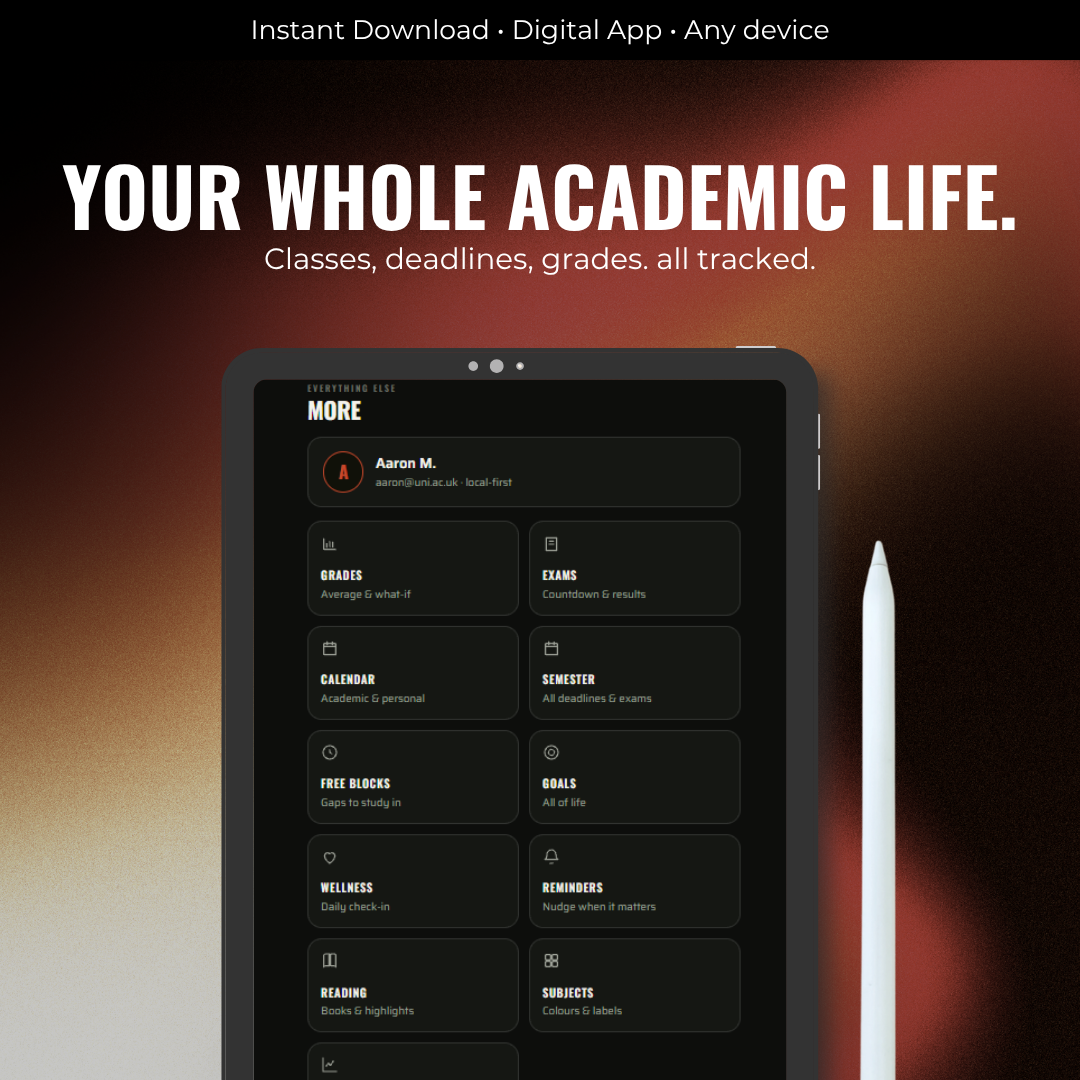
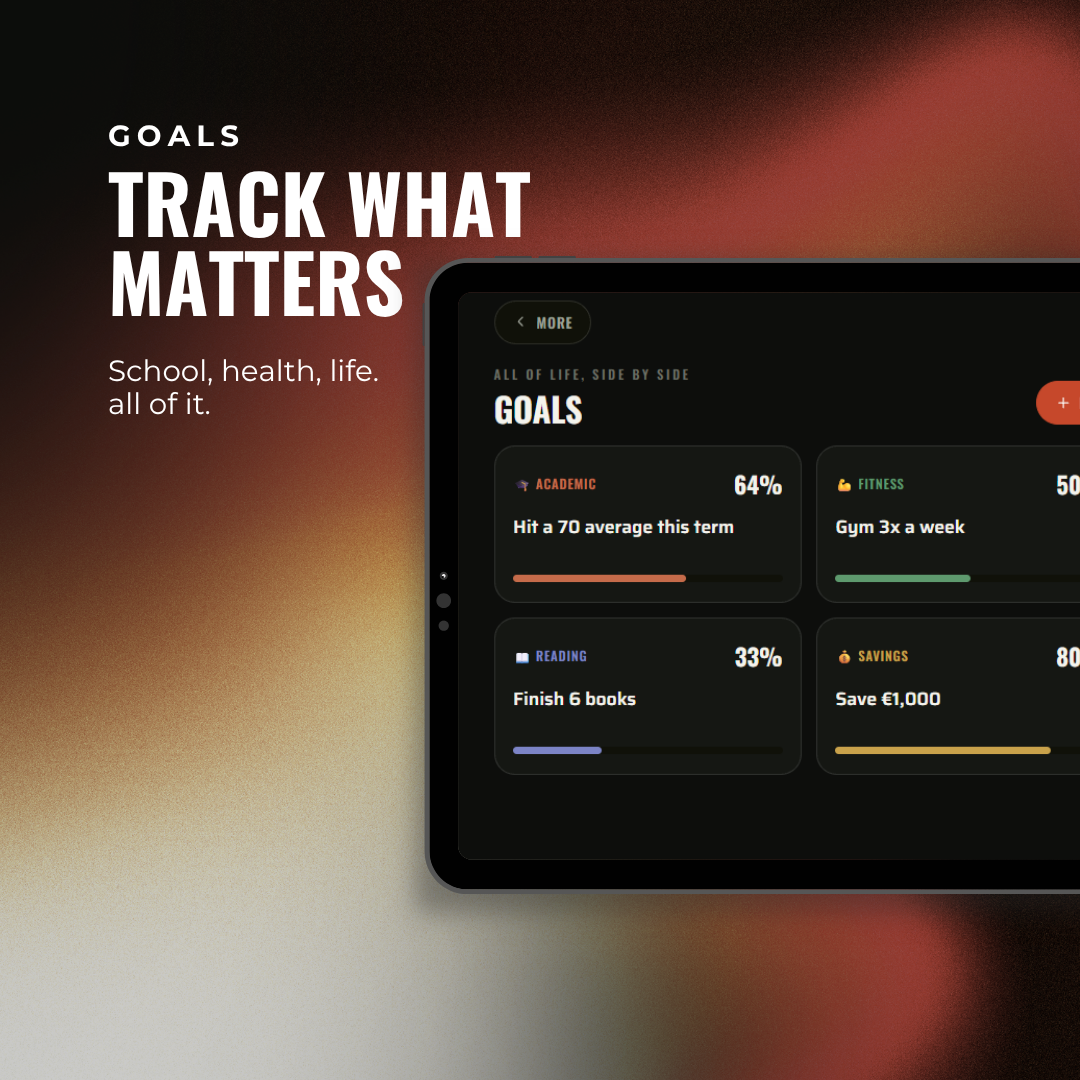
Your whole degree.
One system.
You're not disorganised.
You just can't see it all.
Right now it's a paper diary, three apps and the group chat. This is one place that tells you what to do next, and where your grade is actually heading.
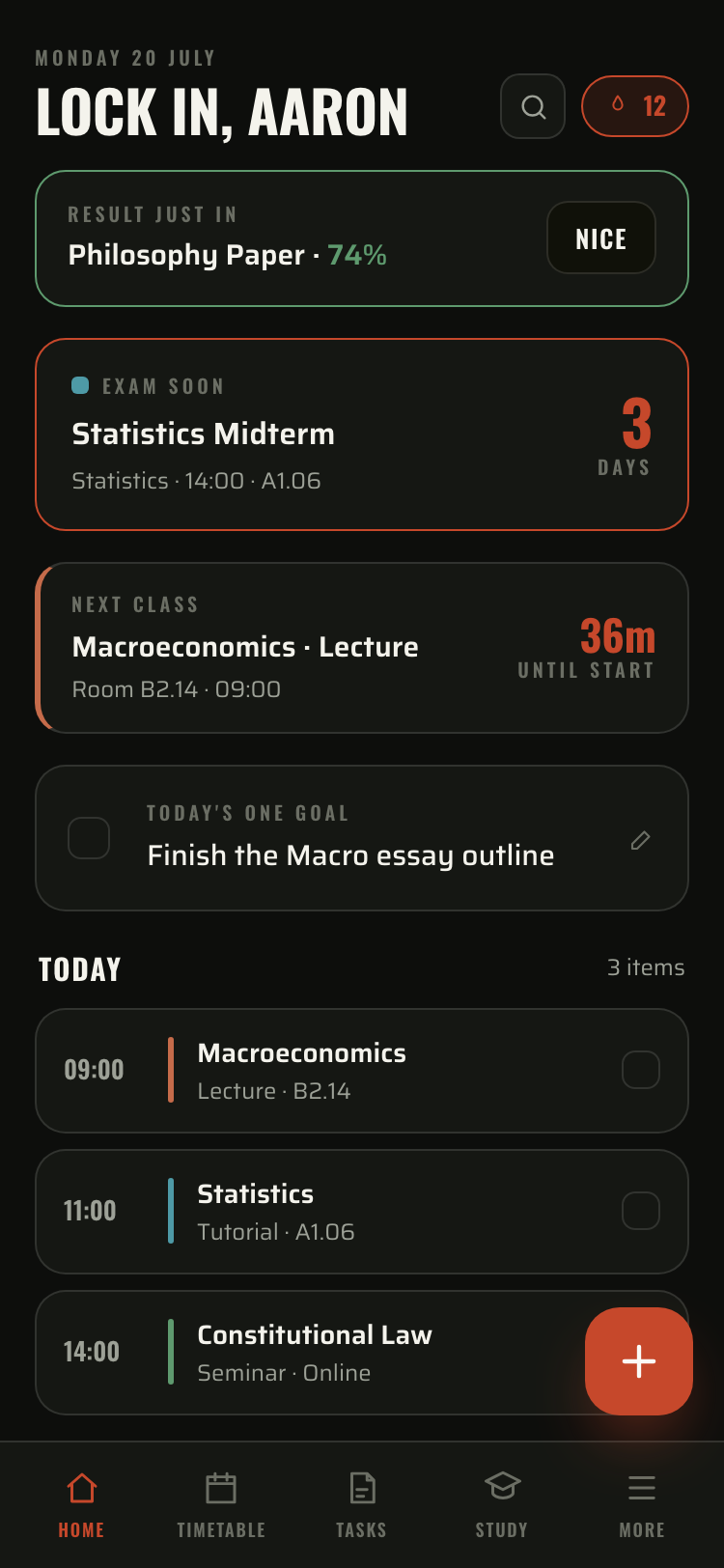
The answer, in one screen.
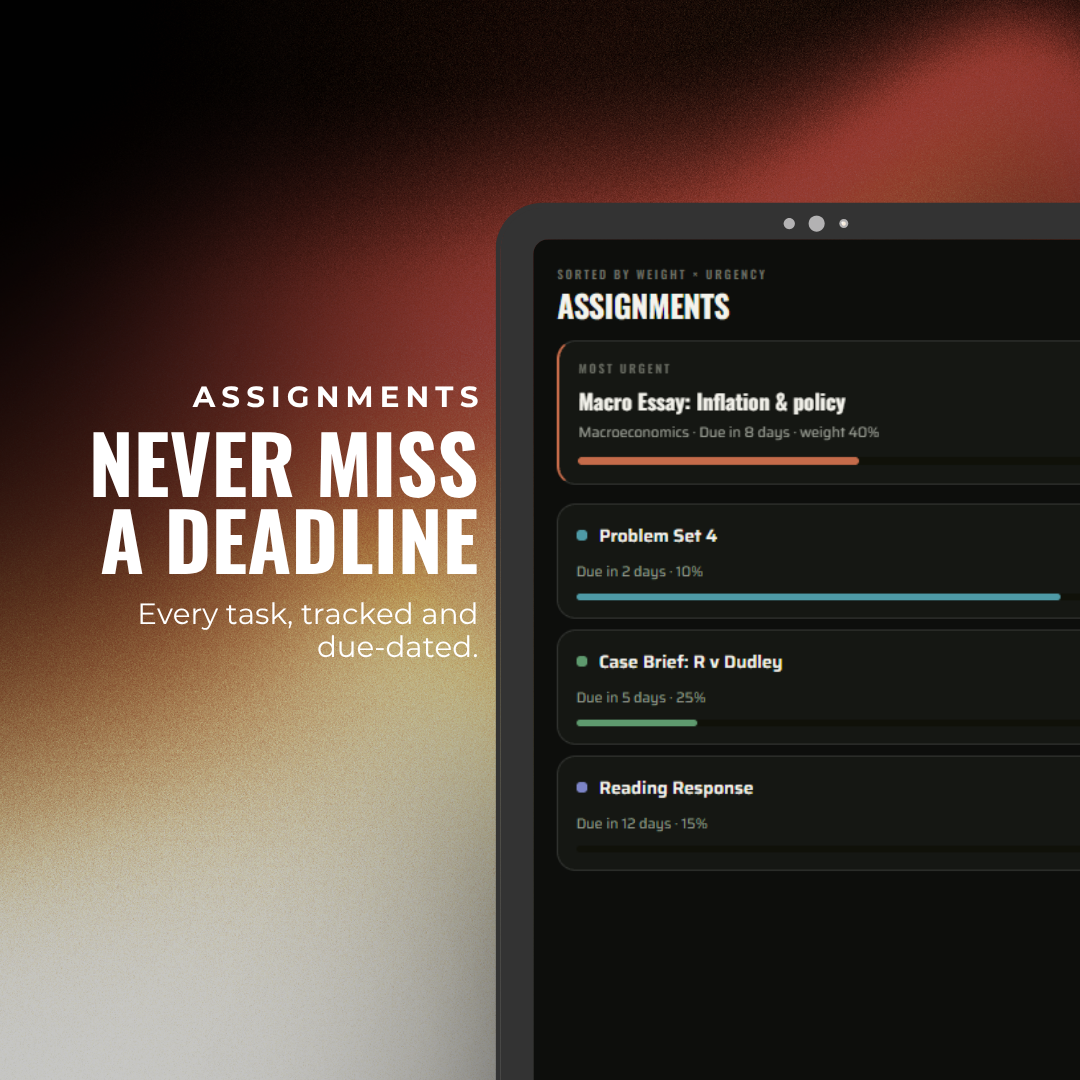
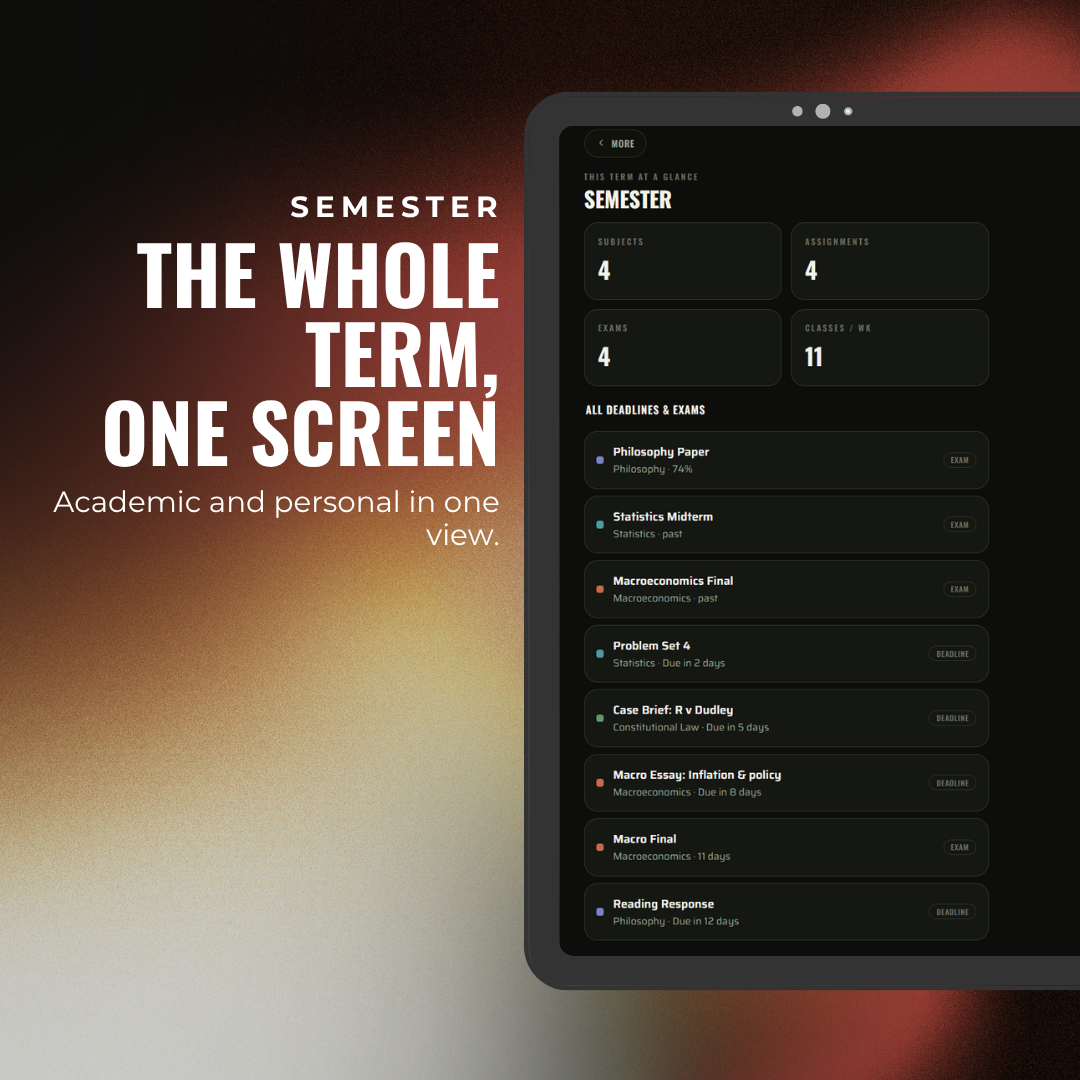
Nothing to build and keep tidy. Your home screen stacks classes, exams and deadlines into one list, in order, and puts the next thing right in front of you.
Live class countdown
Counts down to your next class by the minute. When today's done it rolls to tomorrow. An exam inside a week takes over the screen.
One goal for the day
One. Not a list. The thing that actually moves you forward.
Today's agenda
Classes, exams and deadlines in one feed. Tick them off as you go. A new mark drops a banner the second it's in.
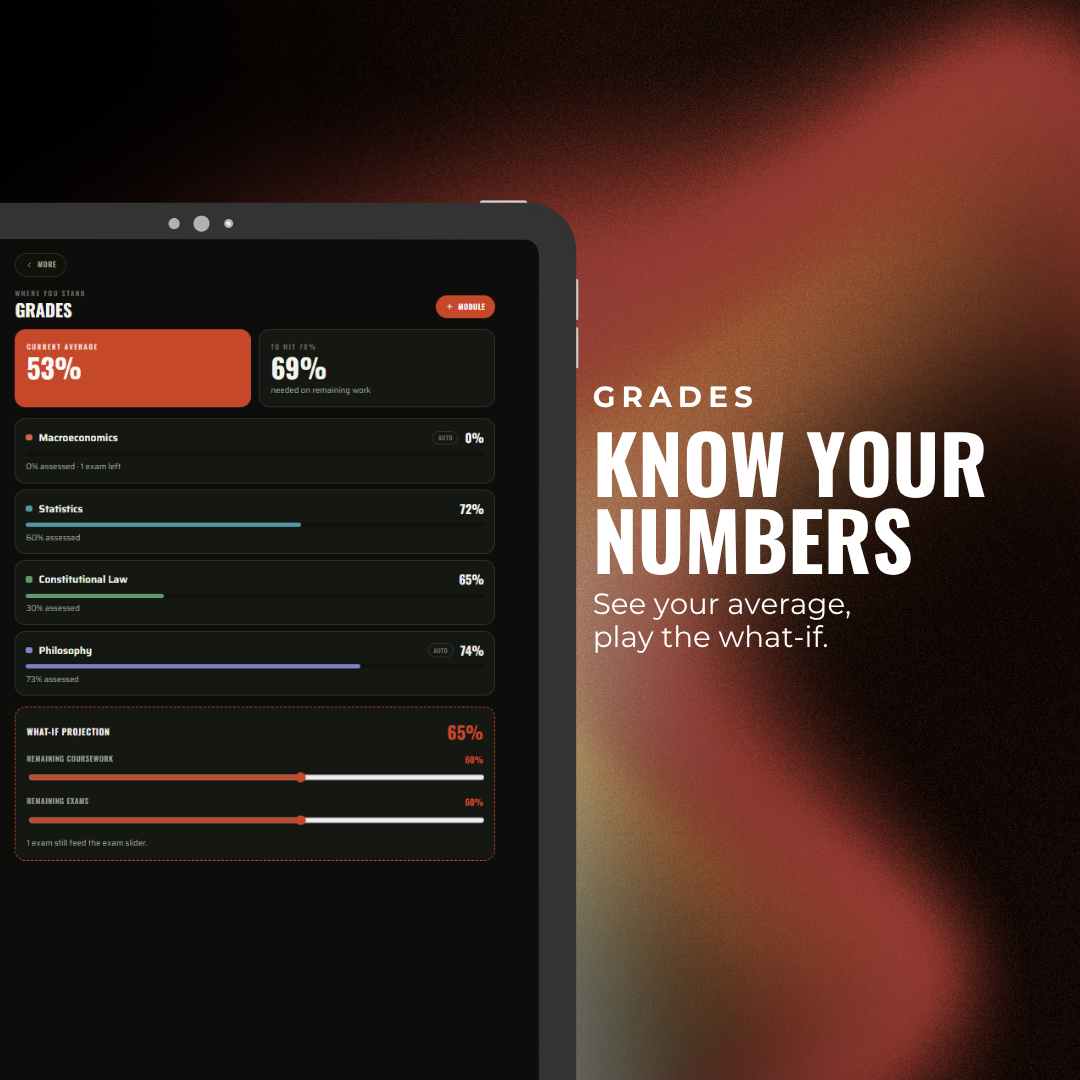
To hit 70%, you need 69% on what's left.
Nothing else does this. Not paper, not Notion, not your uni portal. Enter your marks and it weighs every module, then tells you the exact score you need on what's left.
Try it yourself
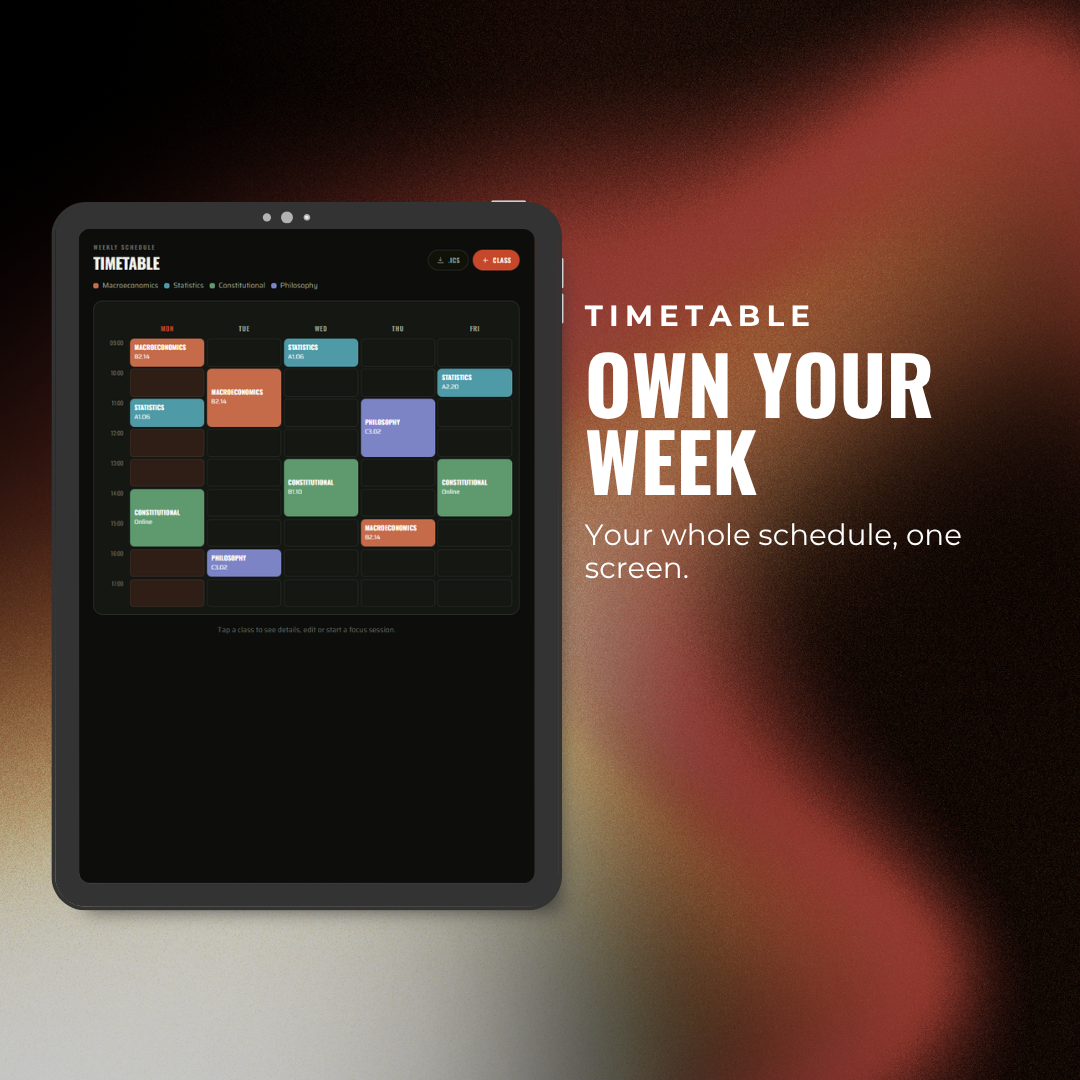
Drag a slider. The maths is live.Your whole week, built for you.

Drop in the calendar file your uni gives you. In one tap the planner builds your entire week, so you never type out a timetable again.
- Import once, done. Every lecture, lab and seminar lands in the right slot, with its room and lecturer already filled in.
- It reads the mess for you. COMP1021_L01 becomes a clean, colour coded class. It even tells lectures from labs from seminars.
- Your subjects, built automatically. No setup screens. Import your week and everything is colour coded around your modules.
- Every morning, answered. Open it and see exactly where you need to be next, and what is coming after that.
One app. The whole of it.
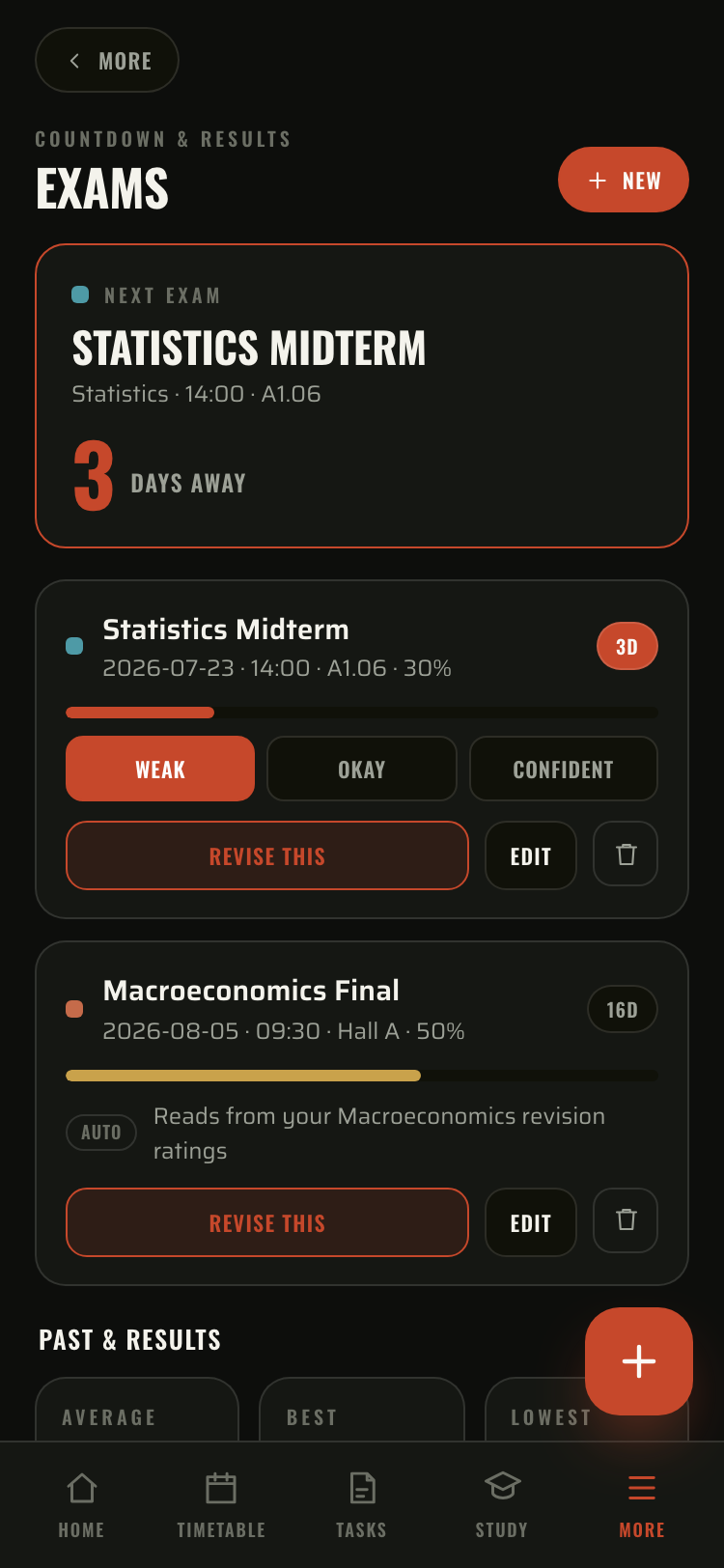
Exams
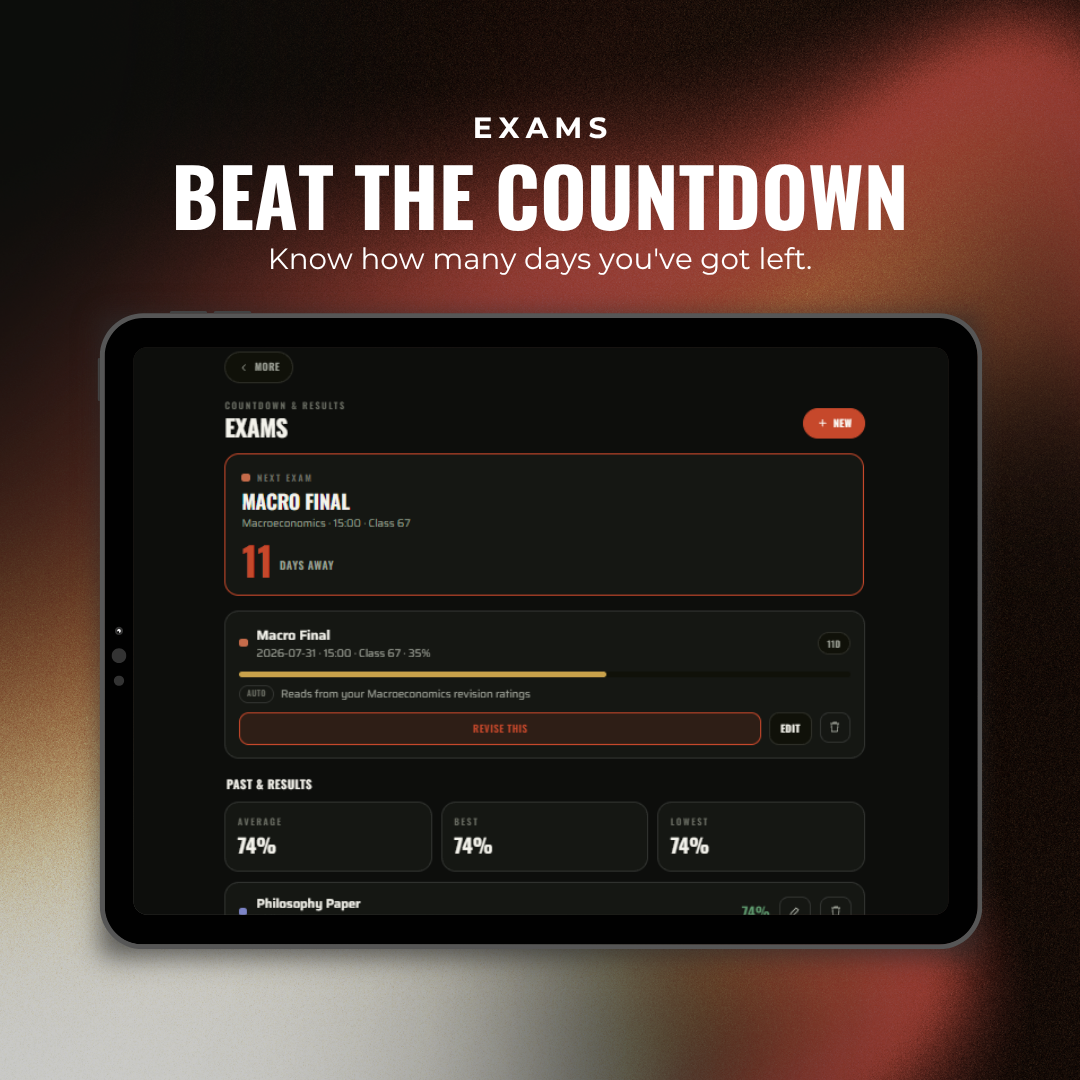
Every exam with a day countdown and an honest readiness bar. Results feed straight back into your grades.
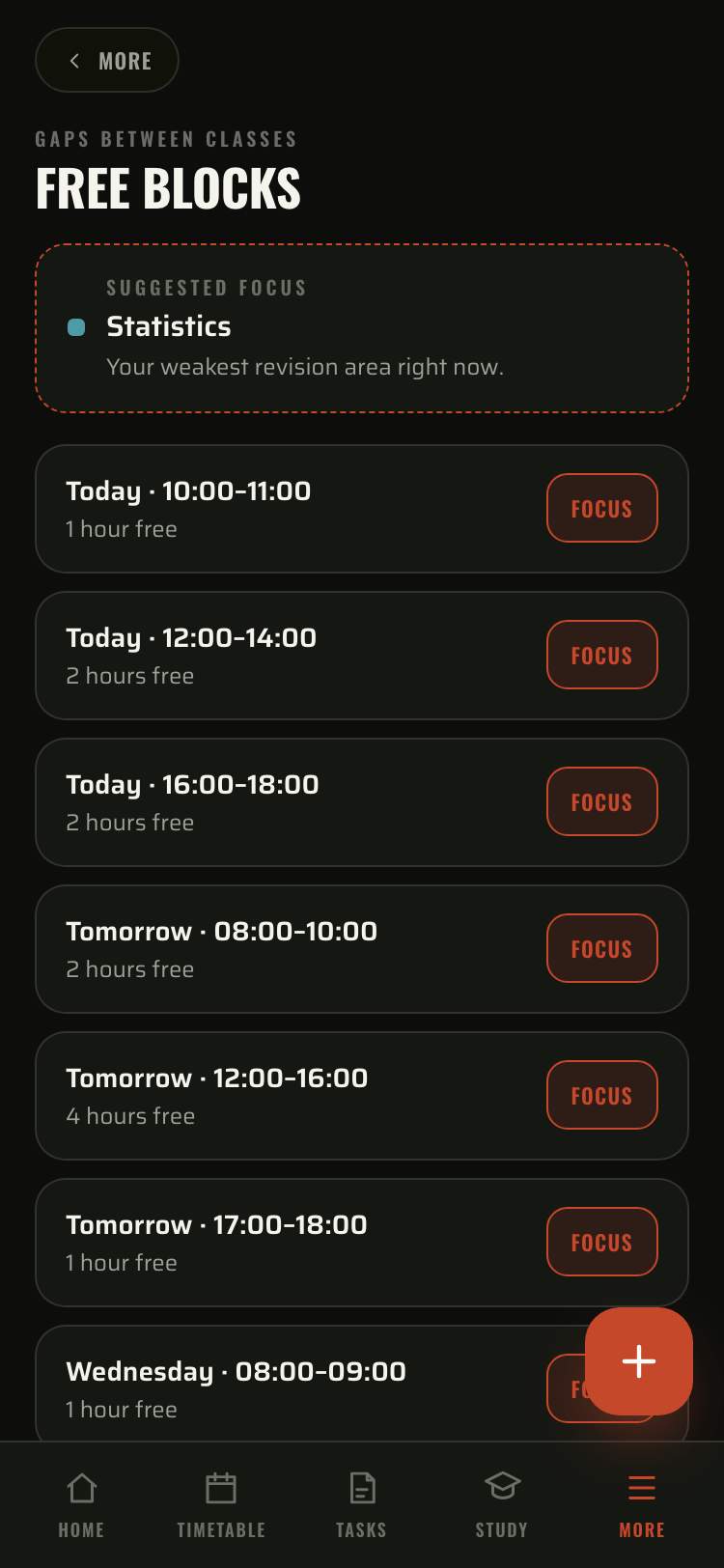
Free blocks
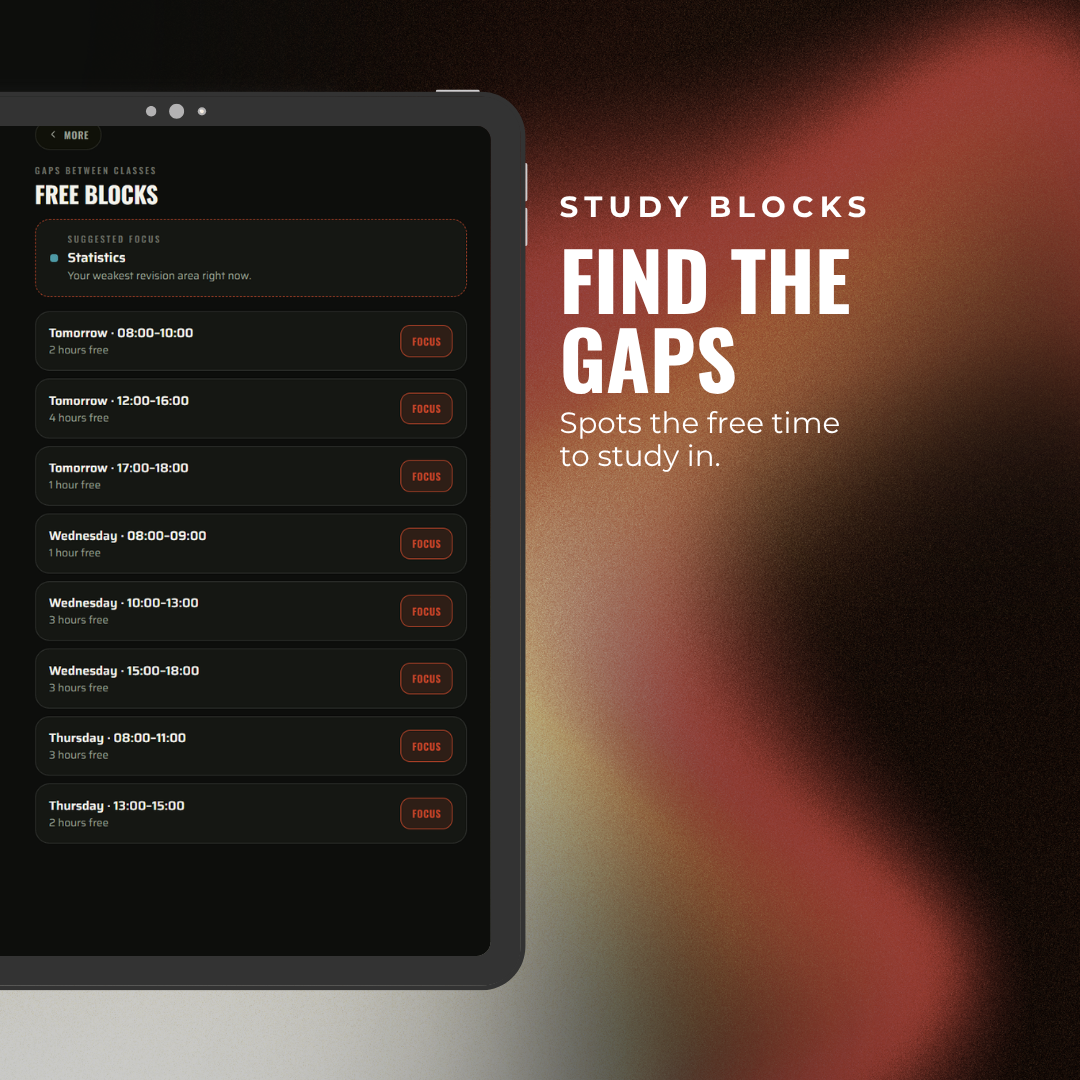
Finds the real gaps between classes and points you at your weakest subject.
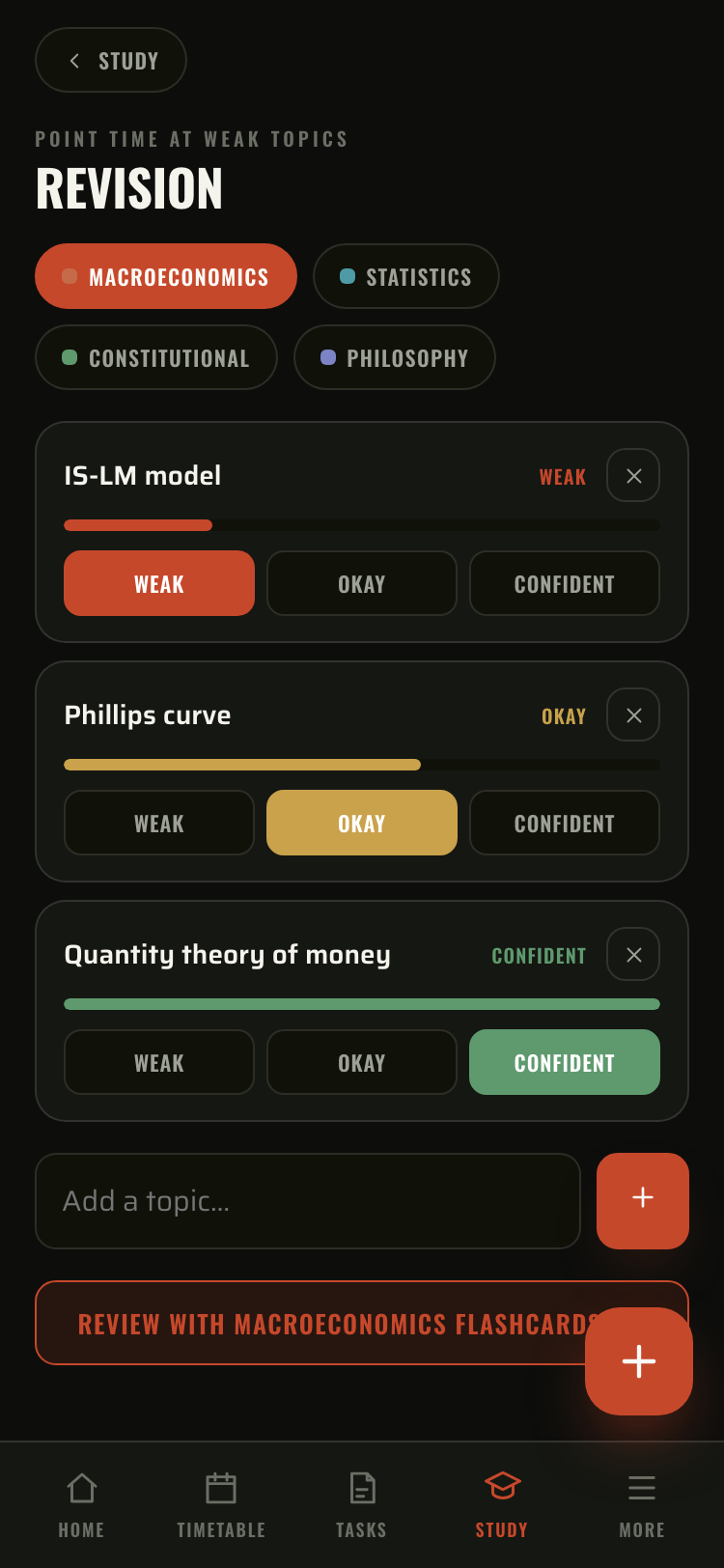
Revision hub
Rate each topic weak, okay or confident. Those ratings drive your exam readiness automatically.
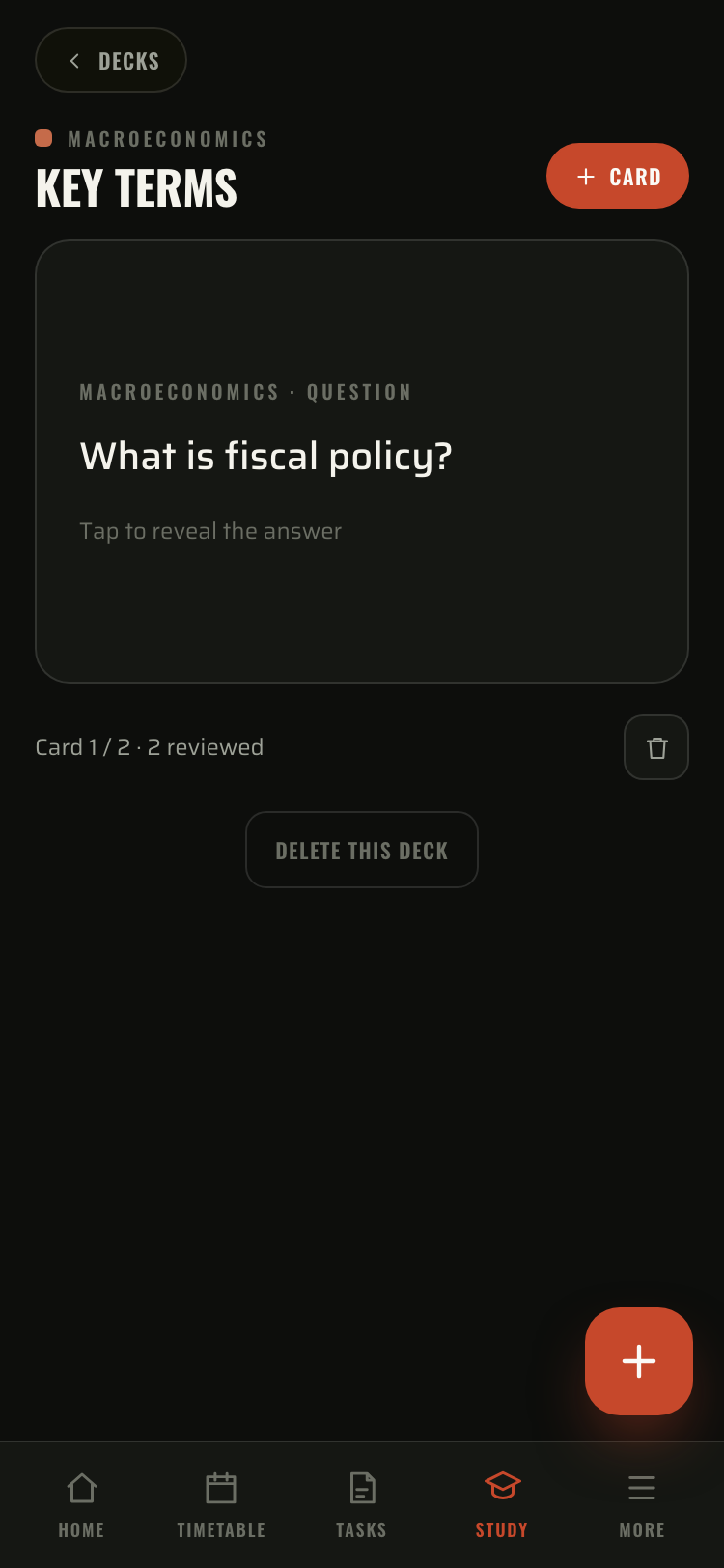
Flashcards
Decks by subject. Tap to flip, rate Again, Good or Easy with spaced repetition.

Calendar
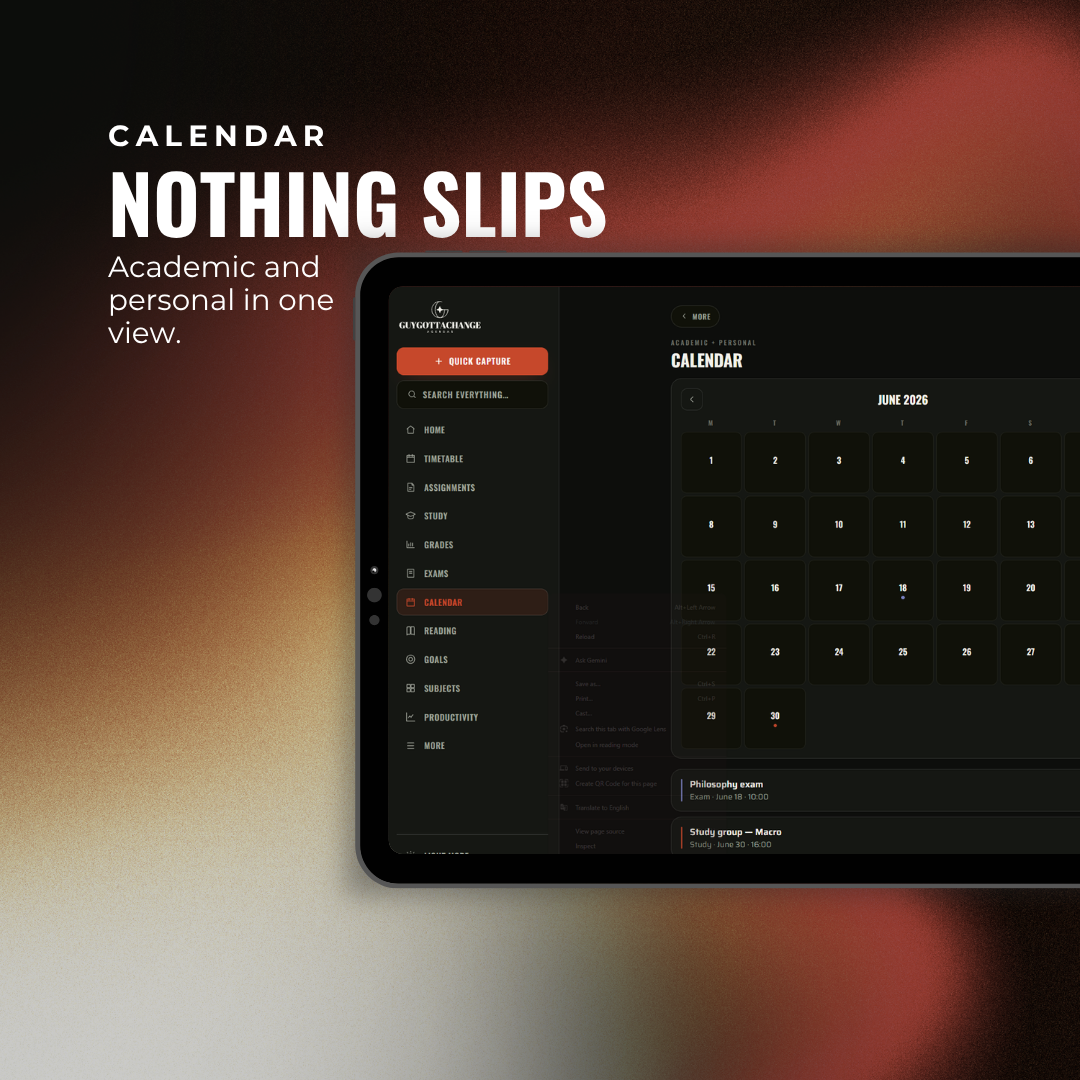
Month view, academic and personal together, exams merged in. Tap a day to add.
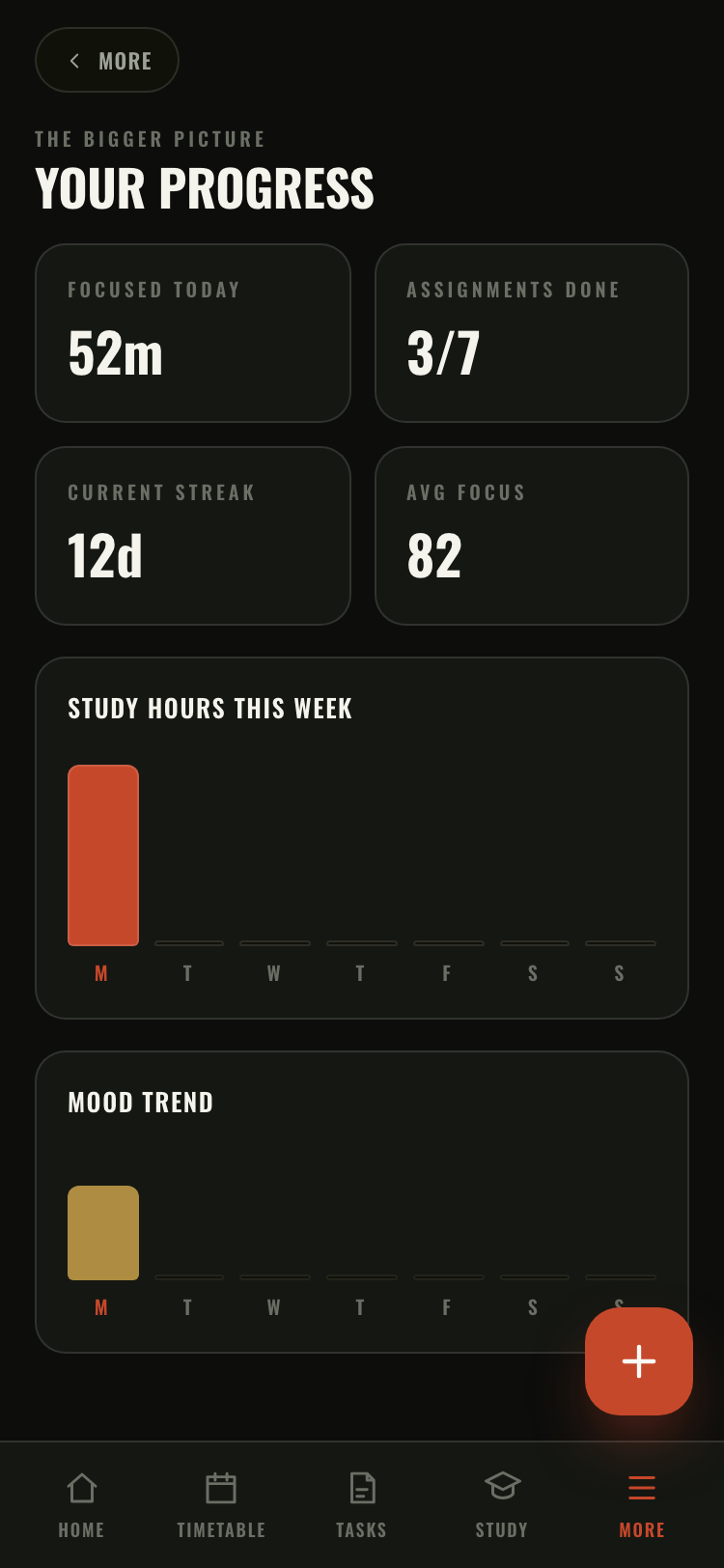
Weekly progress
Focus time, assignments done, streak and a mood trend. Only ever from what you actually log.

Actually study. Not plan to study.
Pick a length, 15 to 60 minutes, and what you're working on. The ring takes that subject's colour. Four sessions to a goal. Start one in a tap from any class or assignment.
One login. Everywhere you study.
Create your account with your order number, then open it on your phone, your laptop, anywhere. Your timetable, grades and notes follow you, and update the second you change them.
Syncs across devices
Sign in once. The same planner on your phone and your laptop, always up to date.
Works offline
Once loaded it works with no internet at all.
Export a full backup
Save everything as a JSON file, any time. It's yours to keep.
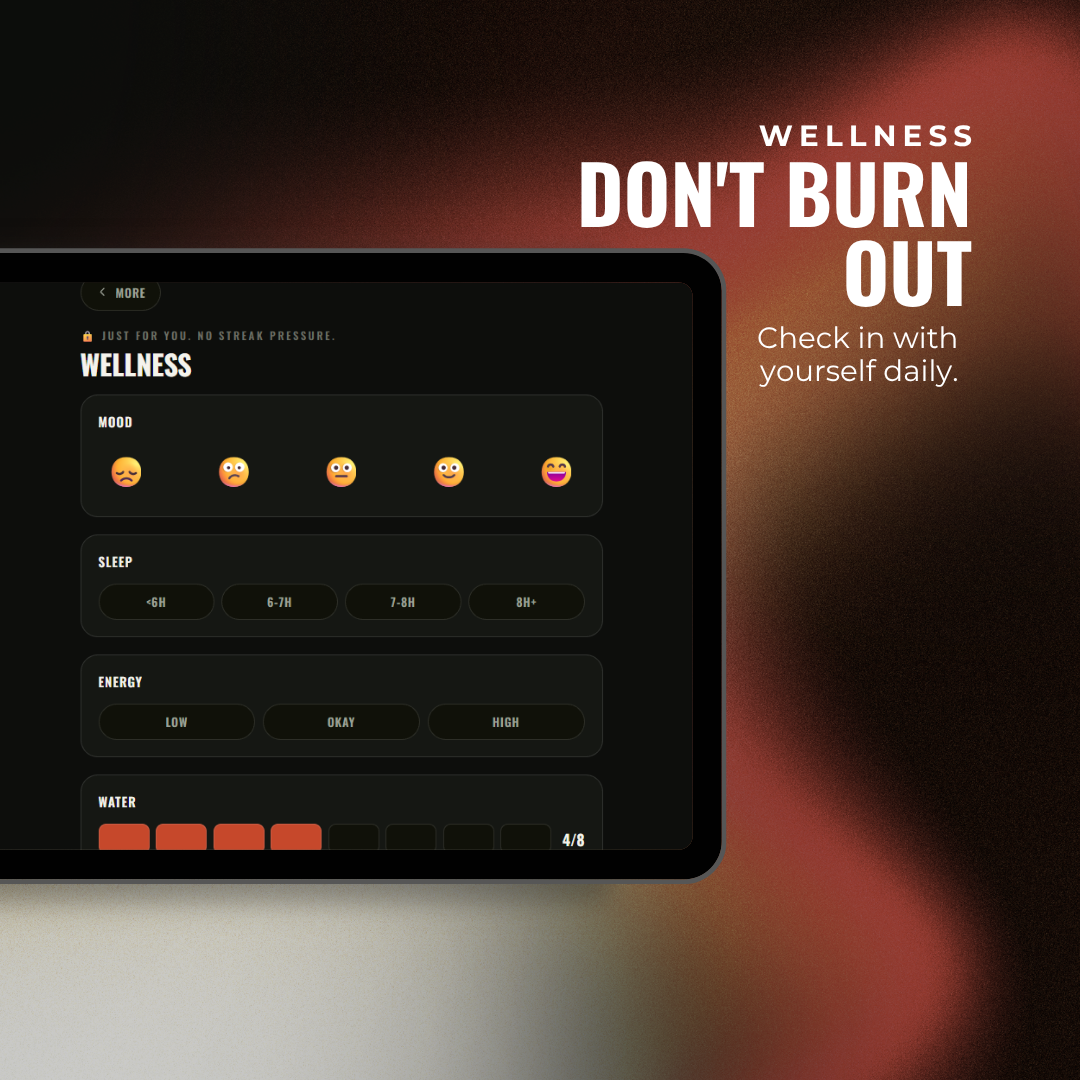
Wellness stays private
A daily check-in on your device. Just for you. No streak pressure.
Both. One purchase.
Same planner, laid out for each screen. Sidebar on your laptop, tab bar on your phone. One purchase covers iPhone, iPad, Android, Mac and Windows.


Questions, answered.
After you buy, you get your order number. Open the link, tap Create account, and sign up with that order number and the email you ordered with. Then it is yours on every device.
Yes. Once loaded it works with no internet at all, and syncs back up next time you are online.
Saved to your account and synced to your devices, so it is there when you sign in on your phone or laptop. You can export a full backup as a file any time, it is always yours.
Yes, both. Add it to your home screen or dock and it runs like a normal app, in sync across every device you sign in on.
If your university gives you a calendar file (an .ics export, most do), import it and your week builds itself, subjects and all.
Yes. Sign in with the same account on both and your planner stays in sync across them. Change something on your phone and it is there on your laptop.
Archive and start a new term in one action. Export a backup first if you want to keep it.
Stop guessing. Lock in.
Everything for your degree in one place. Set up in a minute, import your timetable, get on with it.